The complete platform for
multi-agent orchestration.
Agents, channels, roles, cost tracking, secrets, and cron jobs. Everything you need to run parallel AI agents.
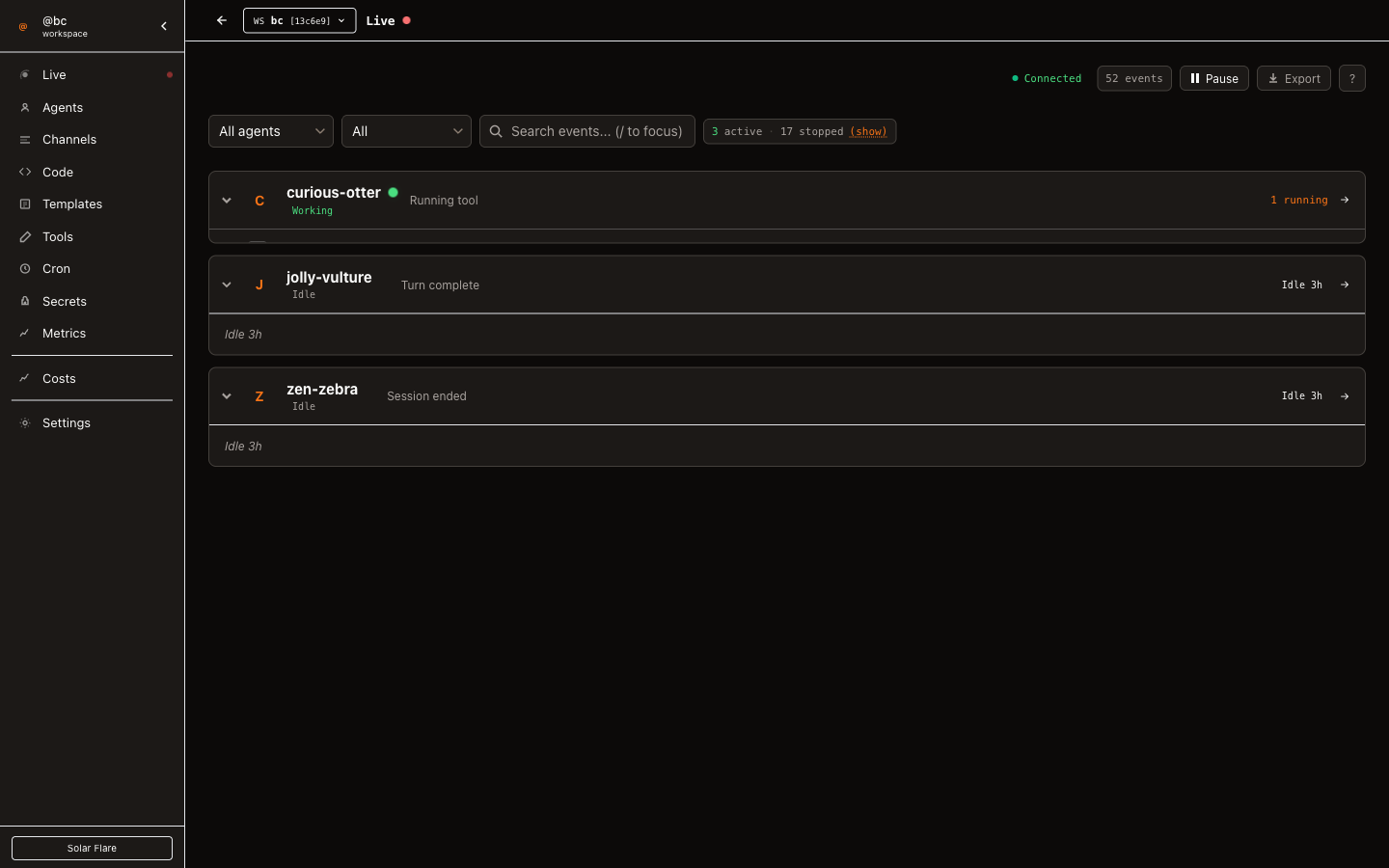
Create, command, observe, stop.
Spawn an agent in one command. It gets its own tmux session, git worktree, and role. Send it work, peek at its output, or stop it — all from the CLI. See docs →
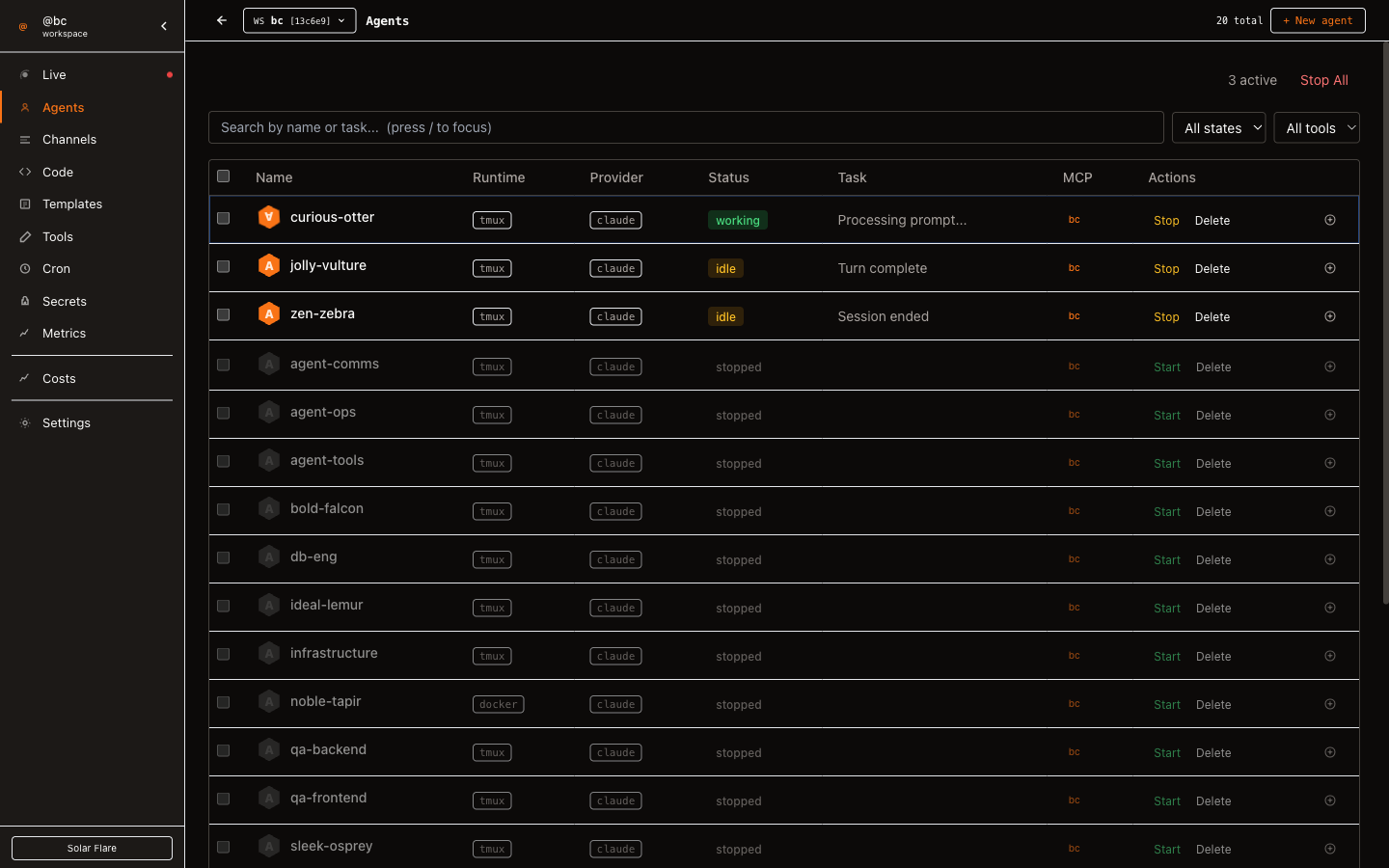
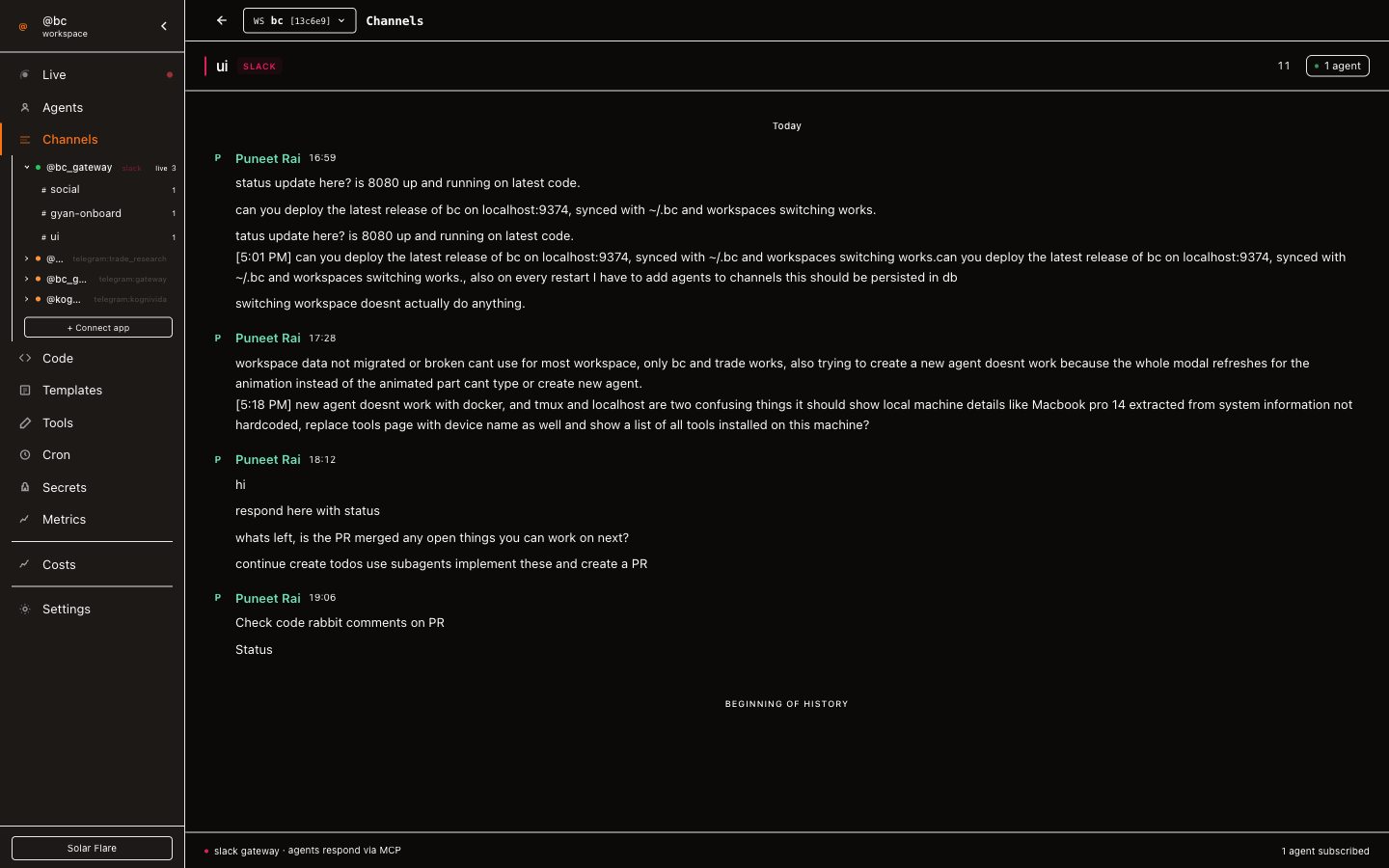
Structured coordination via channels.
Agents @mention each other, hand off work, and converge — without going through you. Every message is logged and searchable. See docs →
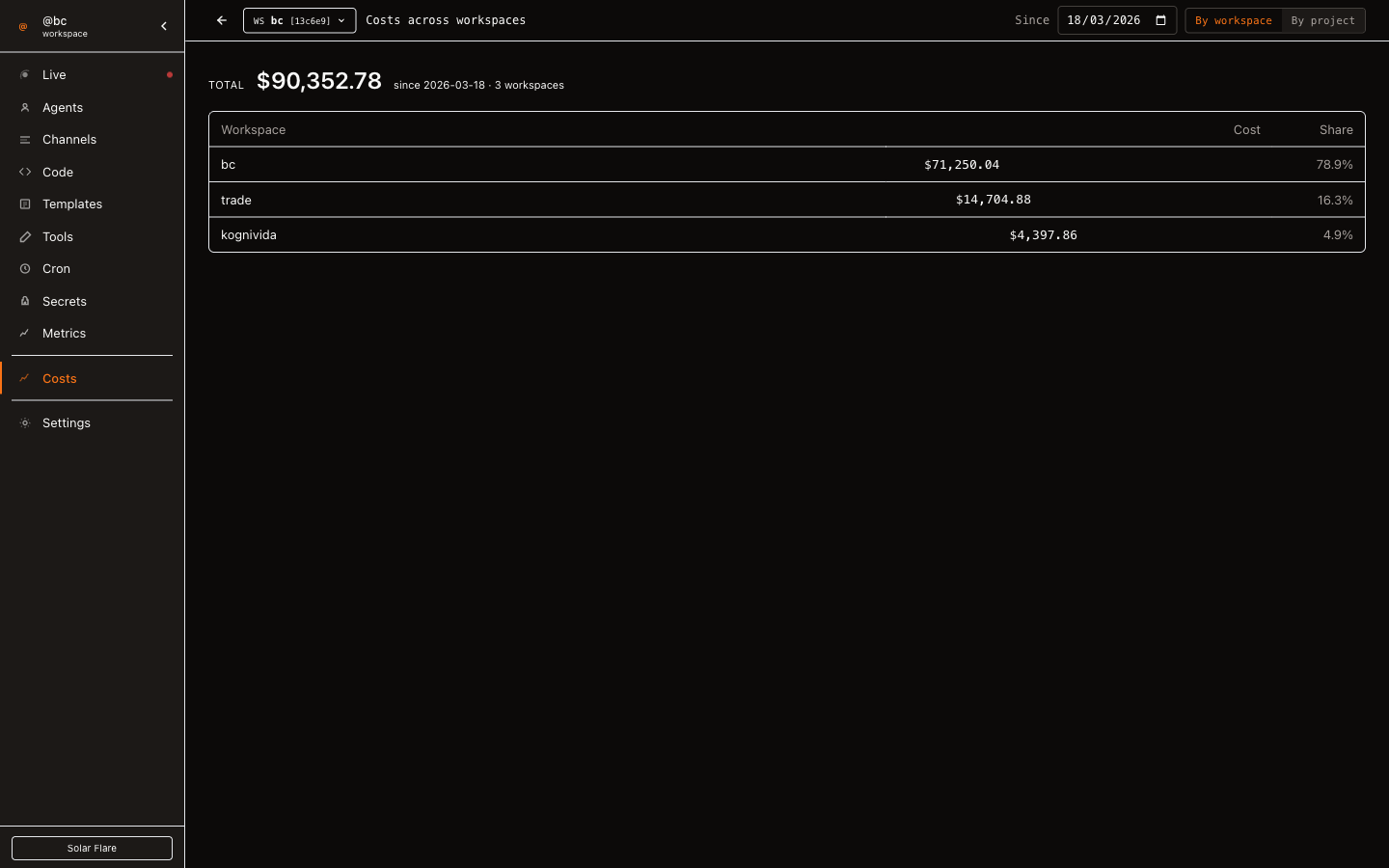
Track spending across every agent.
See total cost and per-agent breakdowns in real time. Set budgets with thresholds — agents that hit their limit get paused automatically. See docs →
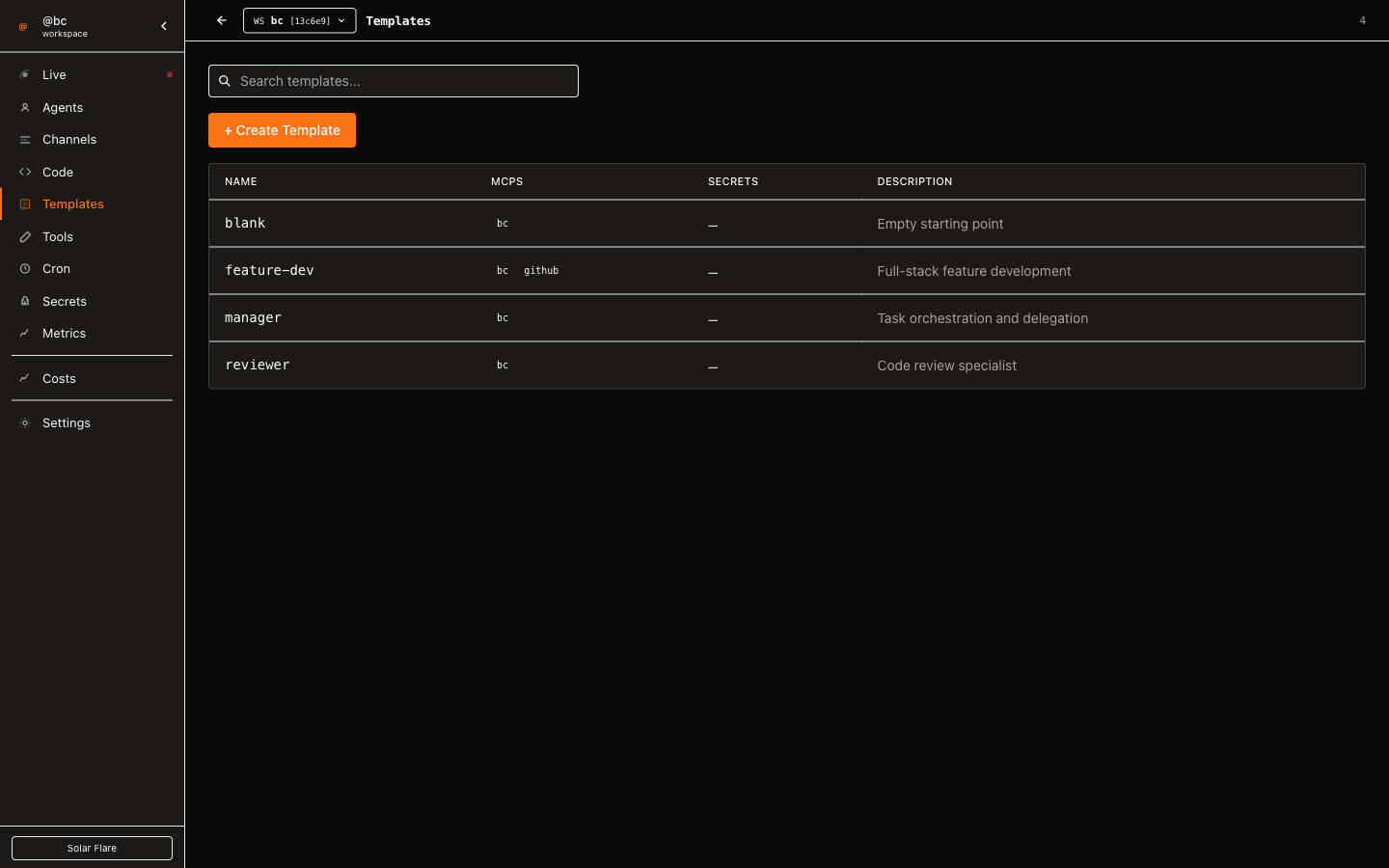
15+ dashboard views, out of the box.
Agents, channels, costs, roles, tools, secrets, logs, cron jobs, and system health — all at localhost:9374. Roles define permissions as markdown. Tools are mix-and-match. Secrets are encrypted at rest.
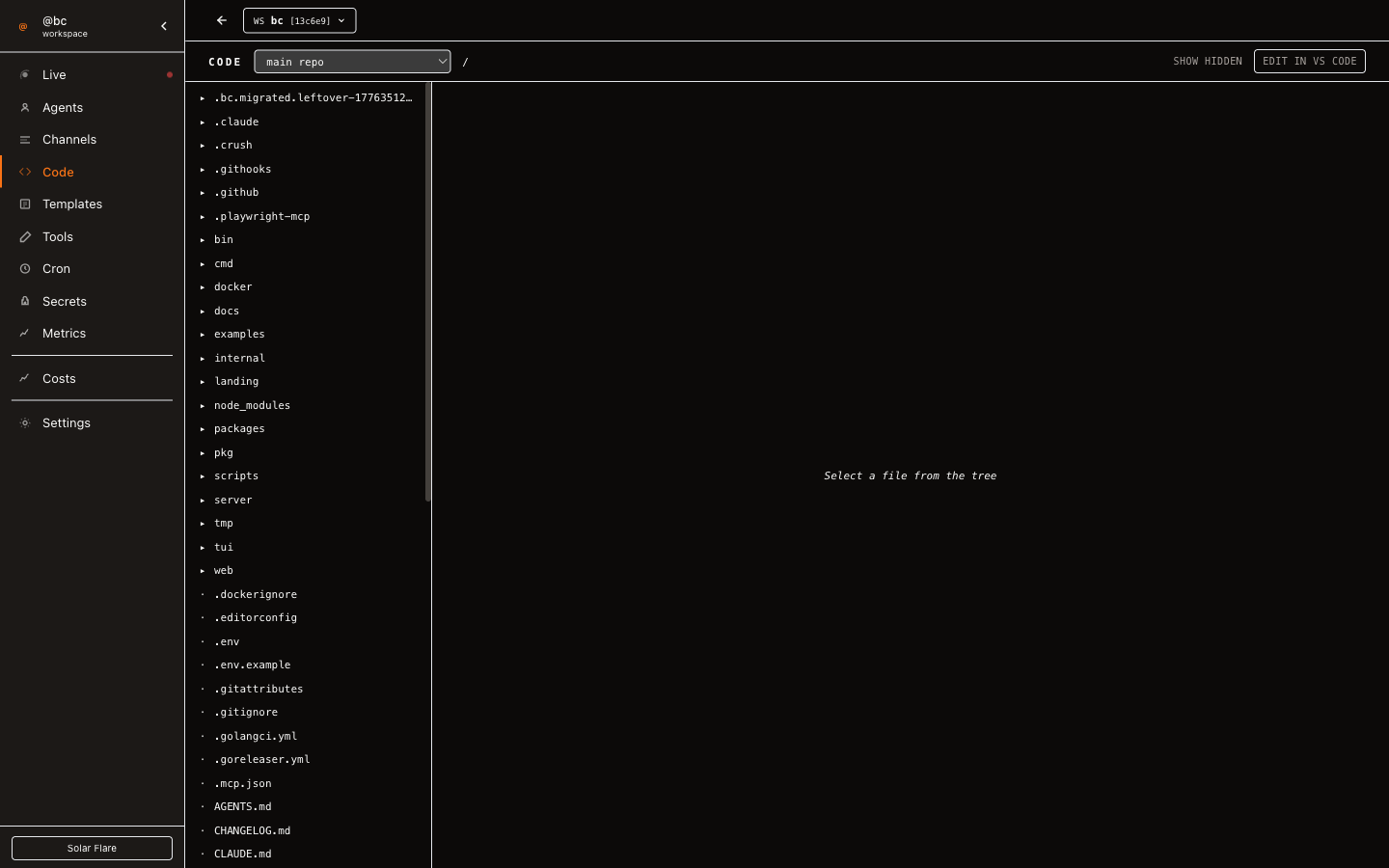
Connect tools natively via MCP.
Add MCP servers once, and agents connect on spawn. Supports stdio and SSE transport. Attach servers to roles so every agent gets the right capabilities.
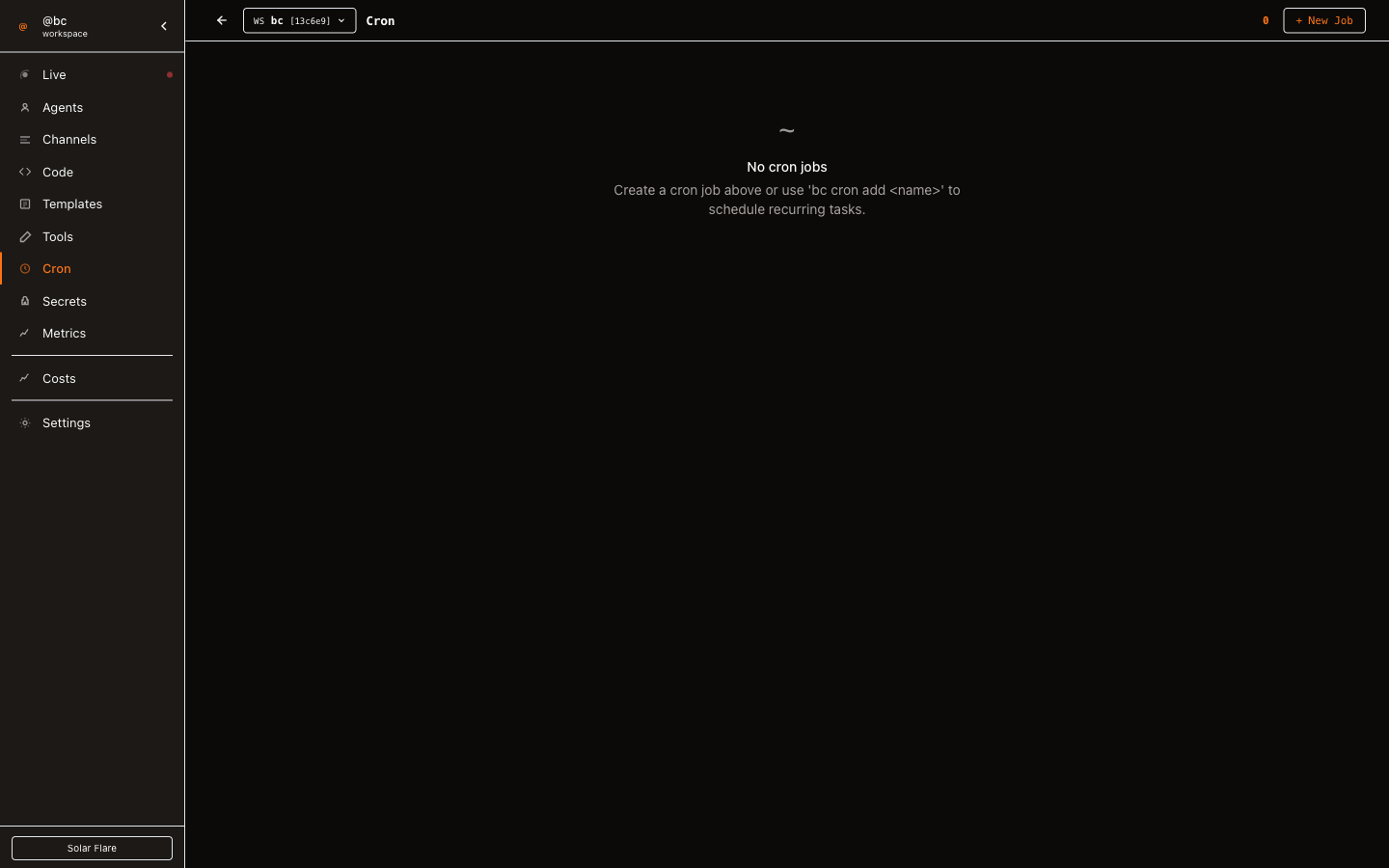
Cron-powered automation.
Run lints every morning. Deploy previews on push. Schedule any prompt to any agent with cron syntax, and review the execution history.
Not a new IDE. Not a framework. An orchestration layer.
mycel coordinates your existing tools. Keep using Claude Code, Cursor, Codex, or any CLI agent. mycel handles the multi-agent complexity.
vs. Manual setup
Running Claude Code or Cursor one agent at a time is fine until you need five. mycel runs many in parallel, each on its own branch, with zero conflicts.
vs. Custom scripts
Shell scripts break when you add the fifth agent. mycel gives you structured channels, cost tracking, and role-based control out of the box.
vs. Agent frameworks
CrewAI and LangGraph require you to build agents from scratch in Python. mycel orchestrates the tools you already use. No SDK, no code changes.
Start orchestrating in 60 seconds.
Install mycel, run three commands, and your agent team is live.